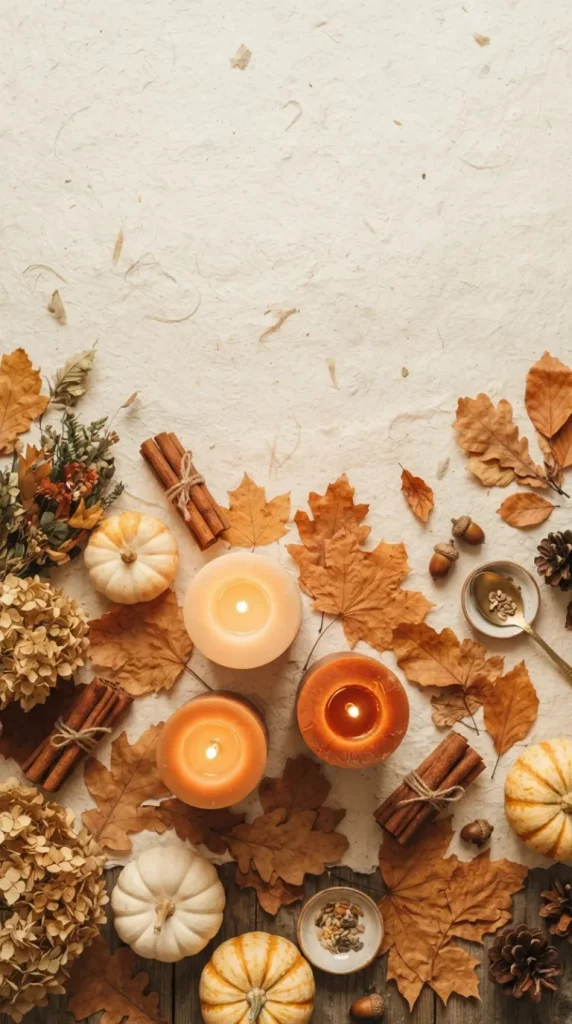
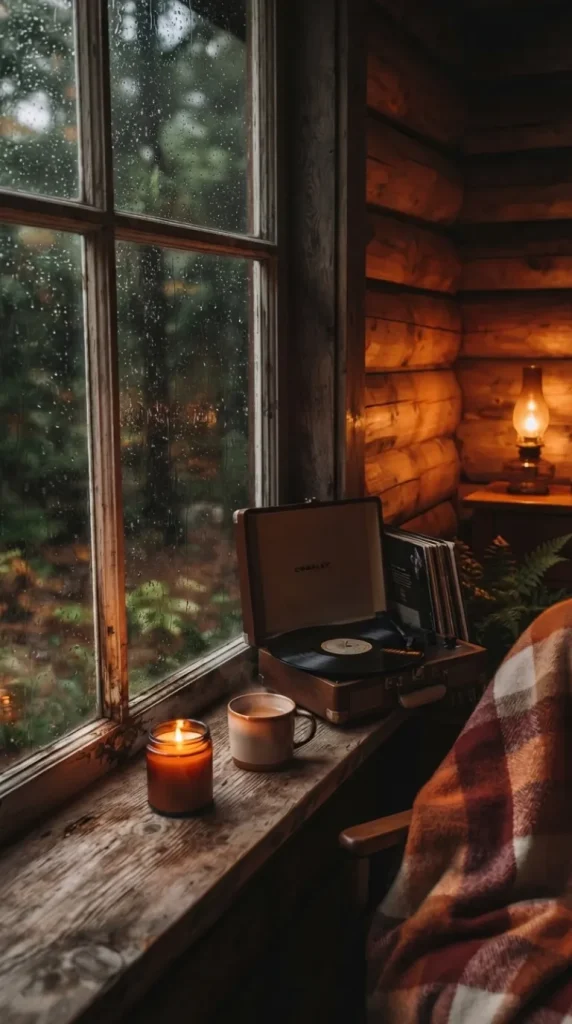
Your phone is the first thing you see each morning. So why not make it glow? Fall candle widget ideas turn a plain screen into a warm autumn corner. Think amber flames, cream tones, and soft leaves. They look calm and feel cozy. Best of all, they take minutes to set up. Plus, every look works on your home screen or lock screen. Let us get started right now.
These looks work on iPhone, iPad, and Android. Free apps like Widgetsmith and Color Widgets help you build custom clocks and calendars. Setup is simple. You can also add a photo widget from your own gallery. Then pair it with a matching wallpaper. As a result, your whole phone screen feels like one cozy scene. Save your favorites to Pinterest first. Next, pick one look and try it out tonight.
An autumn calendar spread is a month view widget styled in fall colors. Use Widgetsmith or Color Widgets to pick burnt orange and cream. Next, add a small candle photo widget below it. Together, they create a tidy layout for your fall candle widget ideas. It helps you track daily plans, work shifts, and school dates. Meanwhile, the warm tones make even the busiest days feel a little softer.
Days Together Counter
A days together counter is a widget that counts the days since a special date. Open Color Widgets and add an anniversary counter. Choose a date and a warm, soft photo of two candles. Place it on your main home screen page. It suits couples, best friends, roommates, and new parents. It turns each day into a small happy celebration. You will smile every single time you see it.
Warm Beige Clock
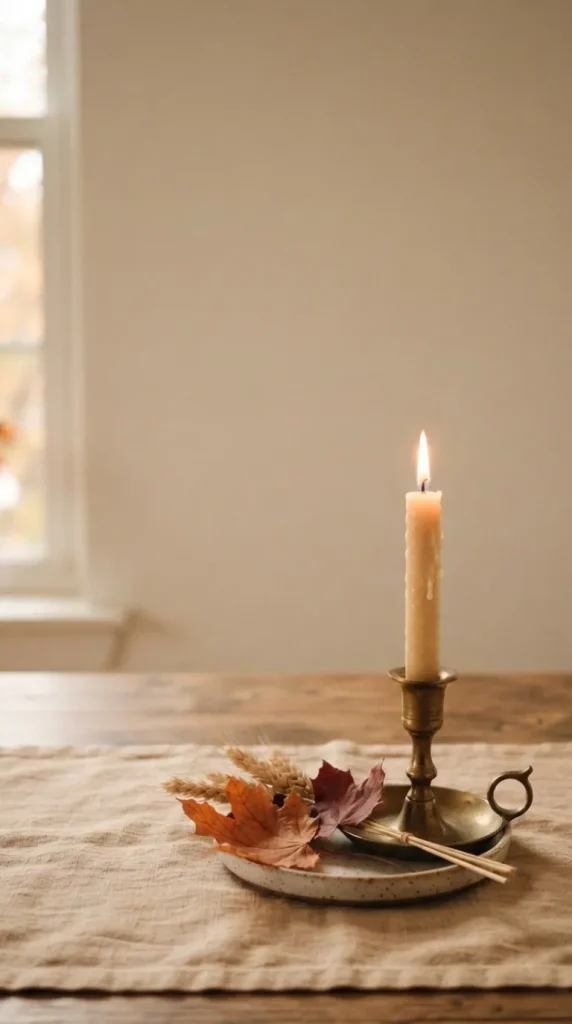
A warm beige clock is a time widget in soft neutral colors. Open Widgetsmith and create a small or medium widget. Pick a serif font and a cream background. Then choose a caramel text color. Place it over a candle wallpaper with space at the top. The result looks clean and cozy. It suits minimal screens best. It keeps the time very easy to read in dim light.
Polaroid Collage Stack
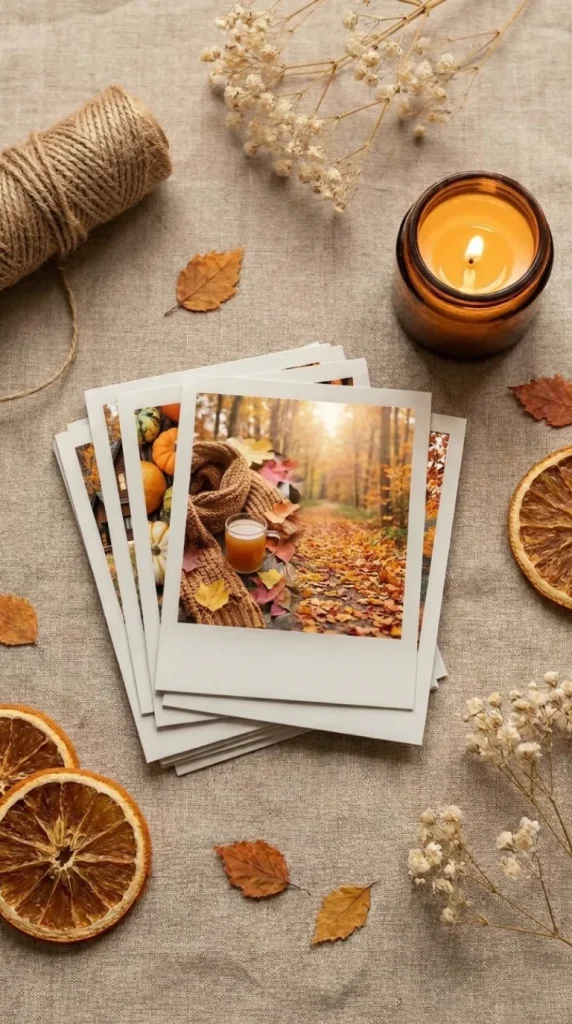
A collage stack is a photo widget styled like instant film prints. Pick three or four warm fall photos with candles or cozy corners. Add thin white frames using any free photo editor. Then place them in a stacked widget on your home screen. Swipe through to see each little memory. It also suits weekend photo dumps and family memories. Overall, it gives your phone a cozy scrapbook feel.
Matching Icon Pack
A matching icon pack gives your apps the same warm fall colors as your widgets. On iPhone, use Shortcuts to create custom icons. On Android, install an icon pack from the Play Store. Choose rust, mustard, olive, and cream shades. Your home screen then looks complete, calm, and tidy. Matching colors make fall candle widget ideas pop out. Finish with a simple candle wallpaper for a truly polished result.
Pumpkin Season Countdown
A pumpkin season countdown is a countdown widget to a fall event. Open Color Widgets and add a countdown. Set the date for Halloween or Thanksgiving. Then pick a pumpkin or candle photo as the background. Place it on your home screen near the top. It builds excitement each morning. Likewise, it reminds you when to buy candles and decor. Most of all, it makes waiting feel fun.
Sweater Weather Panel
A sweater weather panel is a weather widget styled in cozy autumn tones. Start with the built-in Weather widget on your home screen. Next, set a knit or candle wallpaper right behind it. Keep the colors soft, warm, and muted. It shows the daily forecast at a glance. Therefore, you know when to grab a sweater. Meanwhile, the panel adds charm to a busy screen every single day.
Candlelit Photo Frame
A candlelit photo frame widget shows a glowing candle photo. First, snap a close-up photo of a lit jar candle near dried leaves. Then add the Photos widget to your home screen. Choose that photo or album. This is one of the easiest fall candle widget ideas to try. It adds warmth right away and keeps your screen calm. Place it up top for the best glow.
Moody Memo Notes
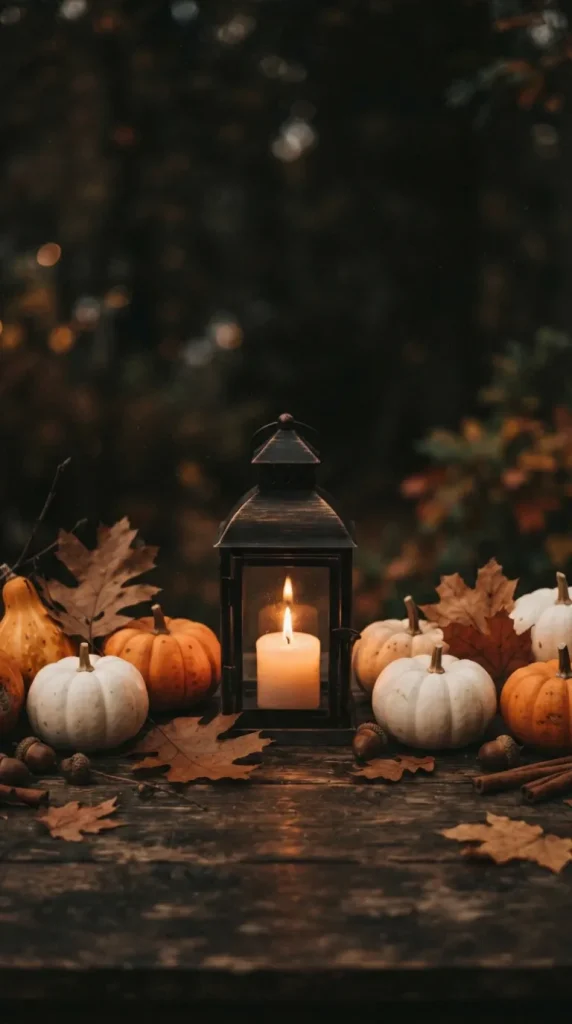
A moody memo notes widget shows your notes in a dark, candlelit style. Add the Notes widget to your home screen. Then choose a dark brown wallpaper with a glowing candle. Keep your to-do list short and tidy. It includes grocery lists and study plans. It fits any fall candle widget ideas that clearly convey a dark academia mood. Your whole day stays neatly organized and calm.
Falling Leaf Battery
A falling leaf battery is a battery widget paired with a leafy wallpaper. Add the built-in Batteries widget to your home screen. Then choose a wallpaper with golden maple leaves around a candle. The warm colors blend with the widget. It helps you charge during long, busy days. The softly drifting leaves keep your screen soft and dreamy. It is both practical and pretty together.
Cabin Playlist Player
A cabin playlist player is a music widget with a cozy fall mood. Add the Spotify or Apple Music widget to your home screen. Then pick a rainy-day playlist and a candle cabin wallpaper. Tap once to start your favorite songs. Among the fall candle widget ideas, this one adds sound to the glow. Also, music makes the scene feel alive. It suits reading nights and slow mornings.
Live Flame Wallpaper
A live flame wallpaper is a moving candle flame used as a phone background. Record a short clip of a real lit candle in a dark room. Then set it as a live wallpaper where your phone supports it. Otherwise, use a close still photo instead. The glow feels calming at night. It pairs well with white clock text. The dark backdrop makes every widget stand out clearly.
Handwritten Quote Card
A handwritten quote card is a photo widget that shows a cozy fall message. Write a short fall quote on cream paper. Lean it gently against a lit candle and snap a photo. Then add that picture to your home screen with the Photos widget. Daily words about slowing down feel comforting. Likewise, a gentle reminder helps you start mornings calmly. Change the quote each week to keep it fresh.
Cozy Town Layout
A cozy town layout pairs an illustrated village wallpaper with neat widgets. Choose a dusk scene with glowing windows and a candle lantern. Then place widgets in the open sky and street. Keep app icons away from the buildings. This layout suits people who love storybook style. Furthermore, it feels like a tiny fall town in your pocket. Each time you unlock your phone, it feels warm and welcoming.
Cartoon Harvest Patch
A cartoon harvest patch is a playful wallpaper with pumpkins, scarecrows, and candle lanterns. Pick soft pastel colors for a sweet, gentle look. Then add a simple clock widget right on top. It works well for kids’ phones and family tablets. It also suits anyone who loves cute style. The happy colors lift your mood on gloomy, rainy days. Pair it with a friendly font for extra charm.
Conclusion
Fall candle widget ideas make your phone feel like a warm autumn room. Start with one simple look, like the photo frame or the beige clock. Then add more widgets as you go. Keep your colors soft, warm, and matching. Save your favorite looks to Pinterest so you can return later. Finally, share your finished screen with friends and family. A cozy autumn phone is only a few taps away.